01 / ENABLE THE SKILL
Start with
a familiar app.
Open the village’s skill link. Residents sign in to Amazon if needed, then enable the Municiply skill.
Use an Amazon account with an Echo or the Alexa mobile app on a supported phone.LOCAL ANSWERS. FAMILIAR DEVICES.
Pickup days. Weekend plans. The details that keep life moving. Residents ask through Alexa, Siri, or Google Assistant.
Choose an experience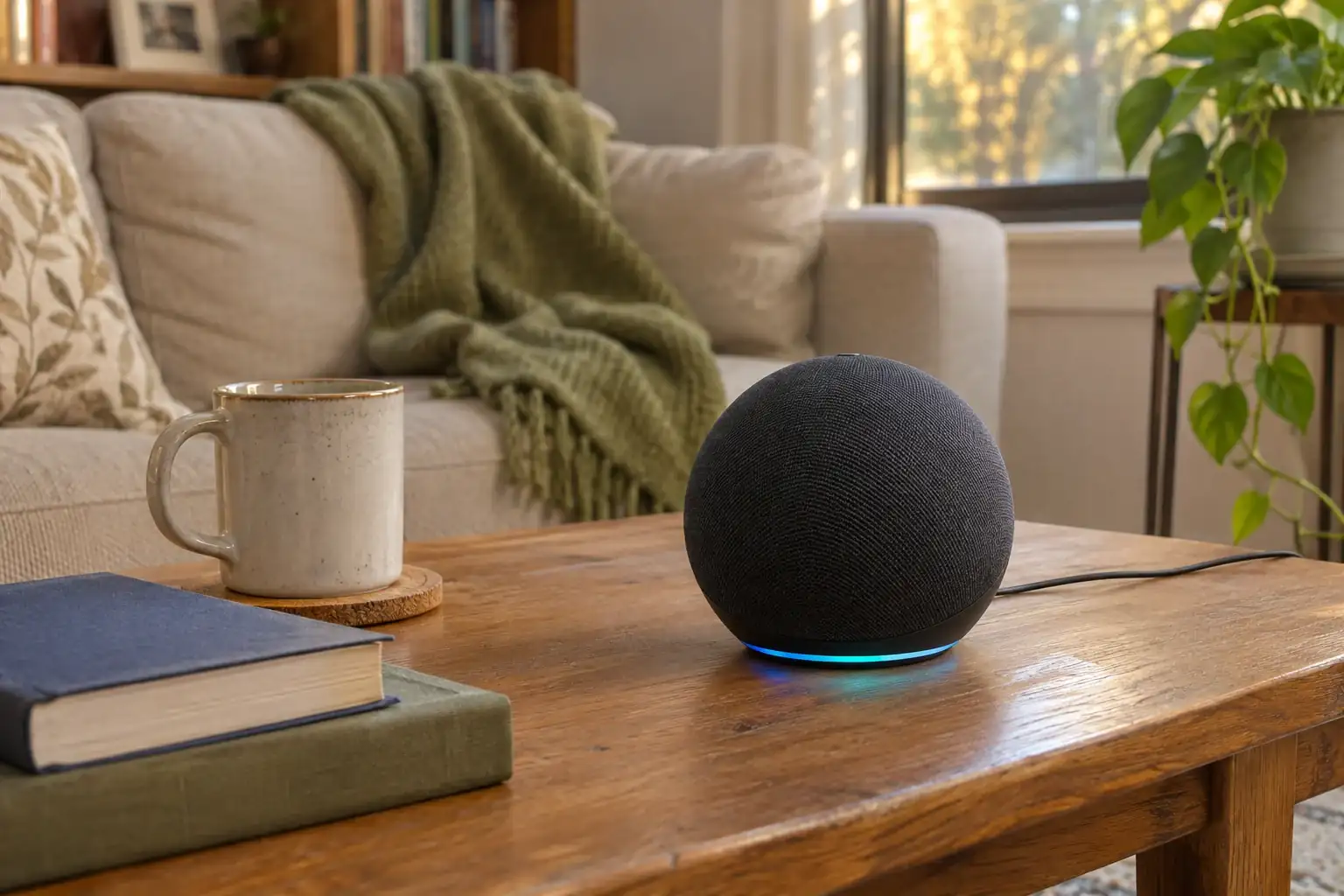
WITH ALEXA
The Municiply skill brings your village’s information to Alexa. Residents can use an Echo or the Alexa mobile app on a supported phone.
No Echo required. No separate Municiply app.
Explore the setup previewStart with the skill link shared by your village.
Sign in to Amazon if needed, then enable the skill.
Confirm your village and collection zone, if required.
Open the skill, then ask about your community.
01 / ENABLE THE SKILL
Open the village’s skill link. Residents sign in to Amazon if needed, then enable the Municiply skill.
Use an Amazon account with an Echo or the Alexa mobile app on a supported phone.02 / MAKE IT LOCAL
Residents confirm their municipality once. Municiply remembers that choice for the next question.
One shared Municiply skill. Information from the right community.03 / THE RIGHT PICKUP DAYS
For collection questions, residents also choose their service area. Answers use that zone’s official calendar and any holiday changes published by the village.
Shown when the town enables collection schedules.Village information, out loud.
LOCAL INFORMATIONEvents, collection days, and useful town updates—just ask.
“Alexa, open Municiply.”
Confirm the community you’d like to hear from.
Remember this town for my next question.
Choose the collection area that serves your home.
Not sure? Your town’s collection map will help you find your area.
Explore example questions →Example selection · Nothing is savedSetup demonstration · Does not enable an Alexa skillScroll to continue ↓
ON YOUR IPHONE
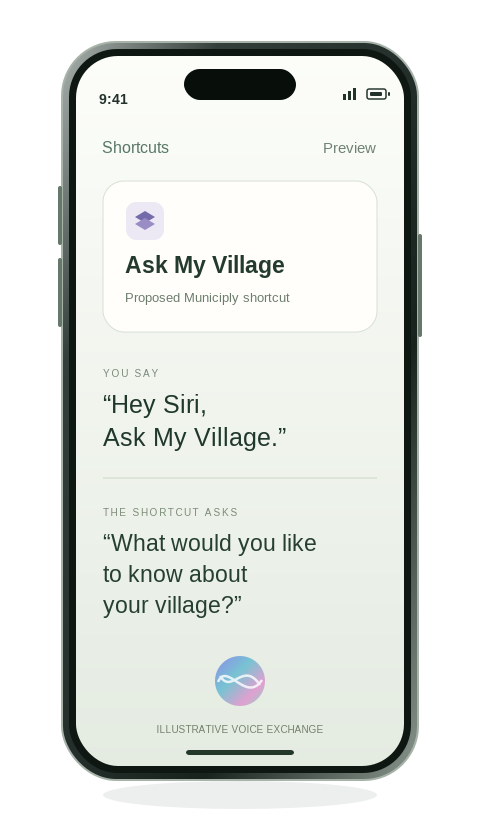
Add a ready-made shortcut to Apple Shortcuts. Then ask Siri by its name. There’s no separate Municiply app to download.
Use the shortcut link on your iPhone.
Review the ready-made shortcut, then add it.
Complete any village or collection-zone setup.
For example: “Hey Siri, Ask My Village.” Then say your question when prompted.
HomePod needs additional setup and compatibility testing, so start with the iPhone shortcut.
ANOTHER WAY TO STAY CONNECTED
The same village link brings your village’s information closer to the phone you already use.
Residents open the same village link and ask from the phone already in their pocket.
THE EVERYDAY QUESTIONS, ANSWERED OUT LOUD.
These are the everyday questions voice access answers, using information your municipality provides and keeps current.
EXPLORE AN EVERYDAY QUESTION
Available topics depend on what your village shares.The answer uses your collection zone, the village’s official set-out rules, and any published holiday changes.
Question examples only. Where your village has not provided current information, the answer says so and directs residents to Village Hall rather than guessing.
THAT’S WHAT THE CONVENIENCE IS FOR.
A useful answer while making breakfast, gathering the recycling, or planning the weekend.
Routine questions find an answer out loud, so the calls that reach your staff are the ones that need a person.
YOUR TOWN. YOUR SAY.
Choose the public information residents can hear. Keep using the calendars and approved sources your team already maintains. Categories are opt-in, and sharing can be turned off at any time.
Public information only.
Internal-only items, drafts, private notes, and employee information stay out of voice answers.
Your town’s own controls. Try the switches; nothing here is saved.
Demo: 2 categories selected. Internal-only items remain excluded.
A FEW THINGS TO KNOW
Alexa, Siri on iPhone, and Google Assistant. Residents enable the Municiply skill through Amazon or add the Siri shortcut to Apple Shortcuts, using the link your village shares.
There is no separate Municiply app to download. Alexa uses an Echo or the Alexa mobile app on a supported phone. Siri uses a ready-made shortcut added to Apple Shortcuts on iPhone.
Your village shares its skill or shortcut link. Residents enable the Alexa skill through Amazon, or add the Siri shortcut to Apple Shortcuts, then complete any village and collection-zone setup. All names and setup screens shown here are illustrative.
Residents confirm their collection zone when required. Answers use that zone’s official collection schedule and the municipality’s published holiday changes and set-out rules. A general village schedule is not enough when collection varies by neighborhood.
From public information the municipality provides, approves, and maintains, such as collection calendars, event listings, meeting notices, and office hours. Available topics depend on the information each town shares.
The experience should explain that a current answer is unavailable and point residents to the village for confirmation. It should not fill in missing details or invent a schedule.
HomePod requires additional setup and compatibility testing. The iPhone shortcut is the supported starting point.
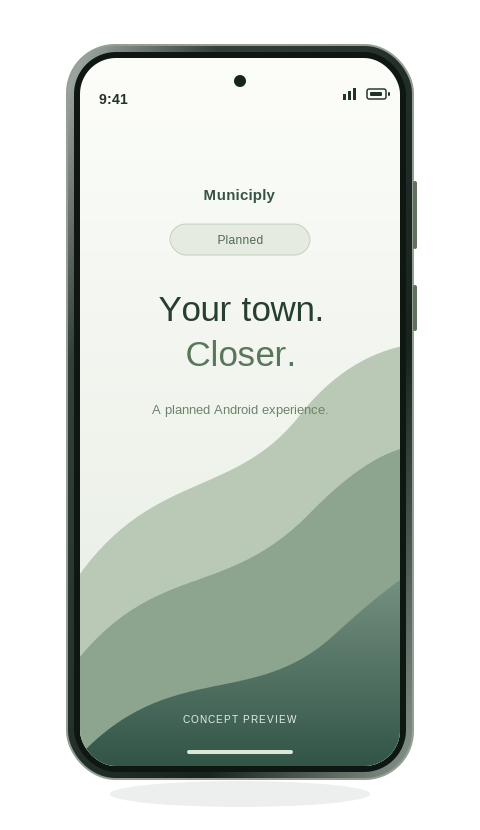
Residents open the same village link on an Android phone and follow the same steps, including any collection-zone setup.
FOR YOUR TEAM. FOR YOUR NEIGHBORS. FOR YOUR TOWN.
Put your village’s everyday information within reach of the people who need it.
See how Municiply can help →Part of Community Connect.