
Start with your town.
We’ll open the product and work from there.
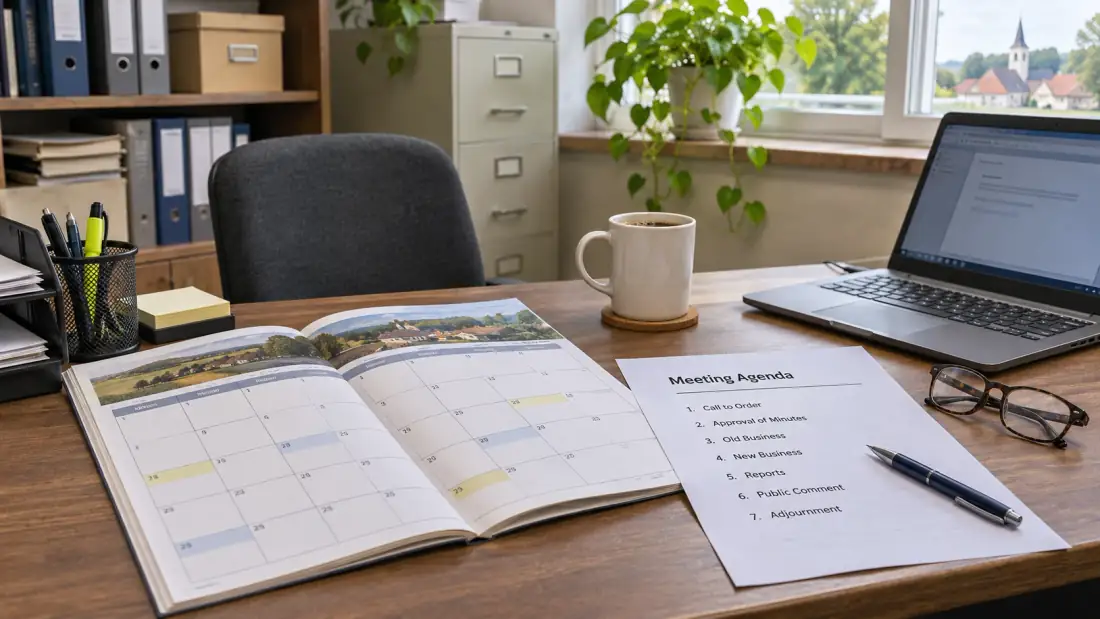
One upcoming event. One busy calendar. One question your staff answers every day. A useful demo begins with the work you already do.
Photography: FOCA Stock.
A conversation,
with the product open
- Walk through a post, from local information to staff review.
- See the calendar, imagery, and source controls.
- Explore resident questions that matter in your community.
- Confirm current capabilities, setup, and next steps.
Questions, answeredBefore you
Before you
book the time
Who should join the demo?
The people preparing public updates and the person approving them are a good starting point. A clerk, communications lead, administrator, or municipal leader can bring a different part of the picture.
Do we need to prepare anything?
No special preparation is necessary. If convenient, bring an event listing or a public website link, and a few examples of recurring resident questions.
Will this connect our accounts or start a subscription?
No. Requesting a demo does not connect accounts, authorize publication, or activate a paid service.